 SliceLoft
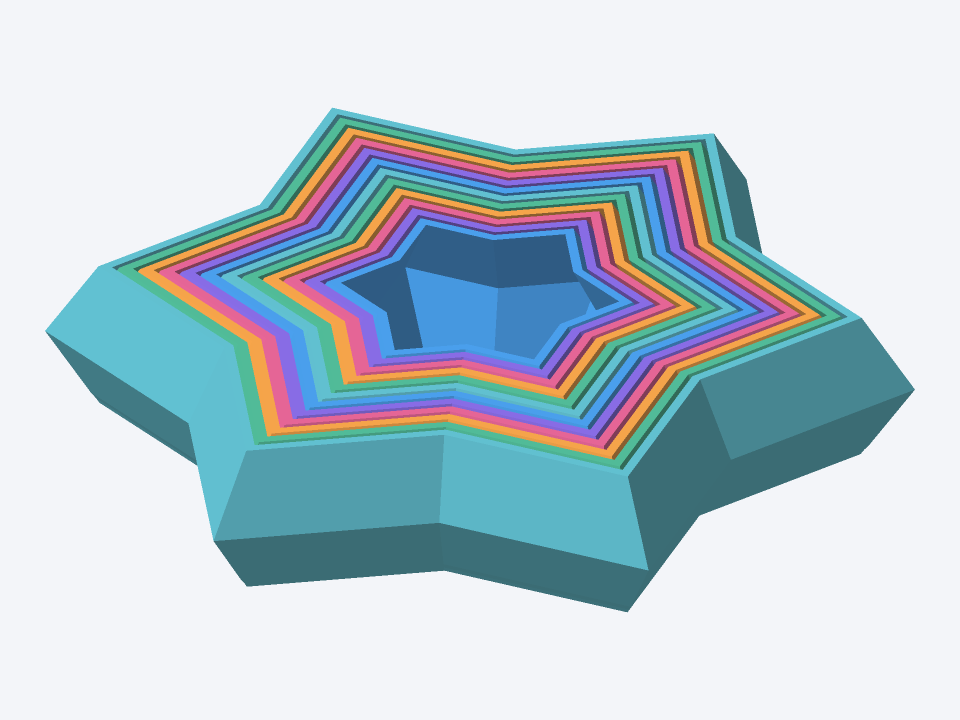
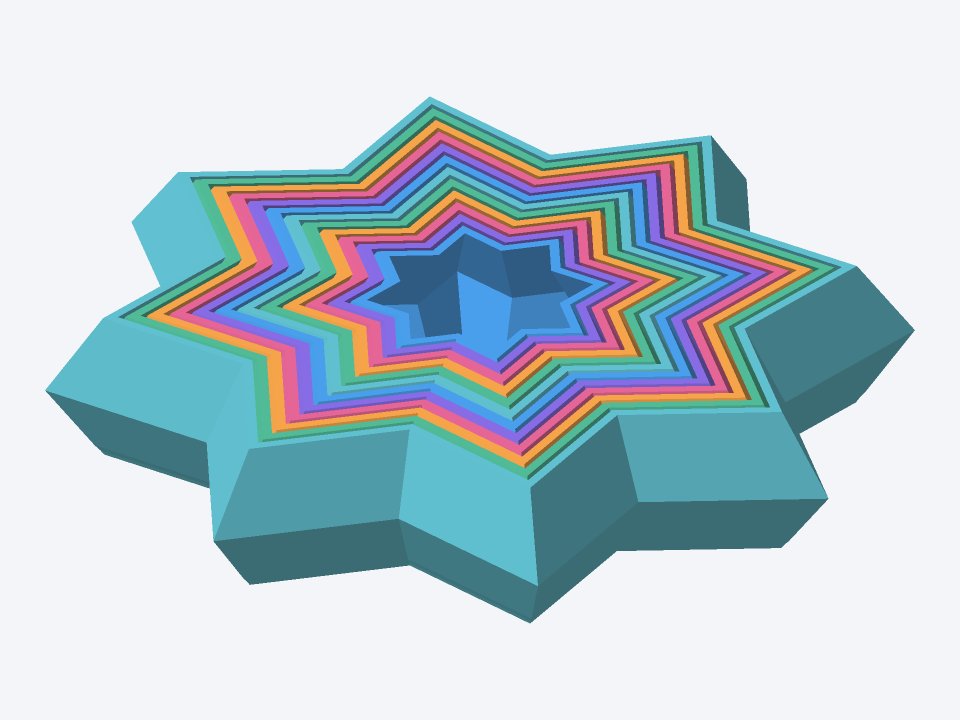
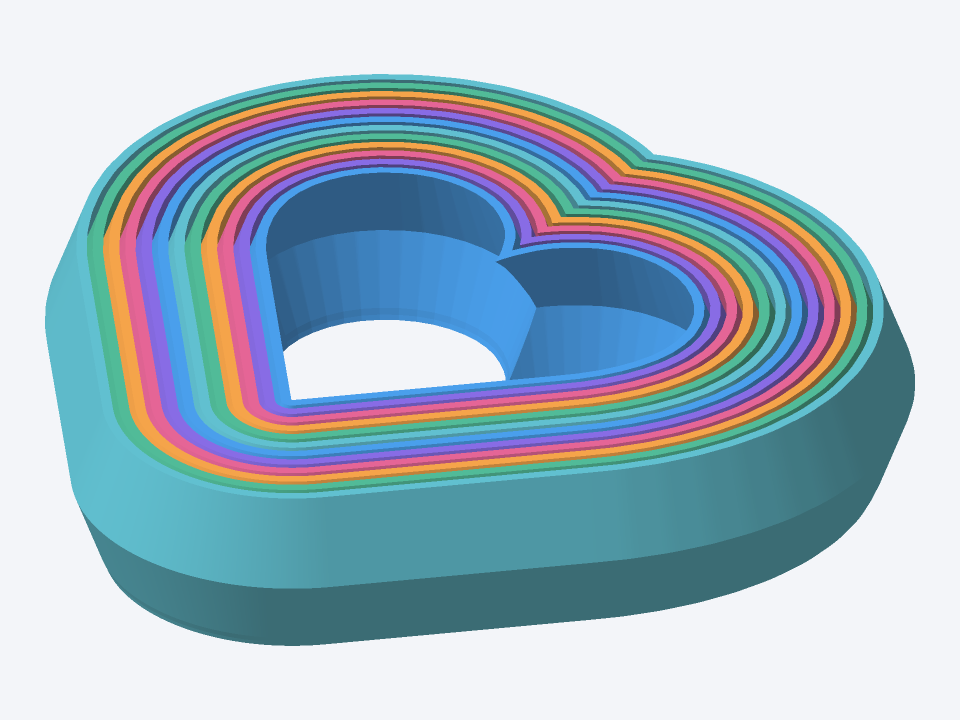
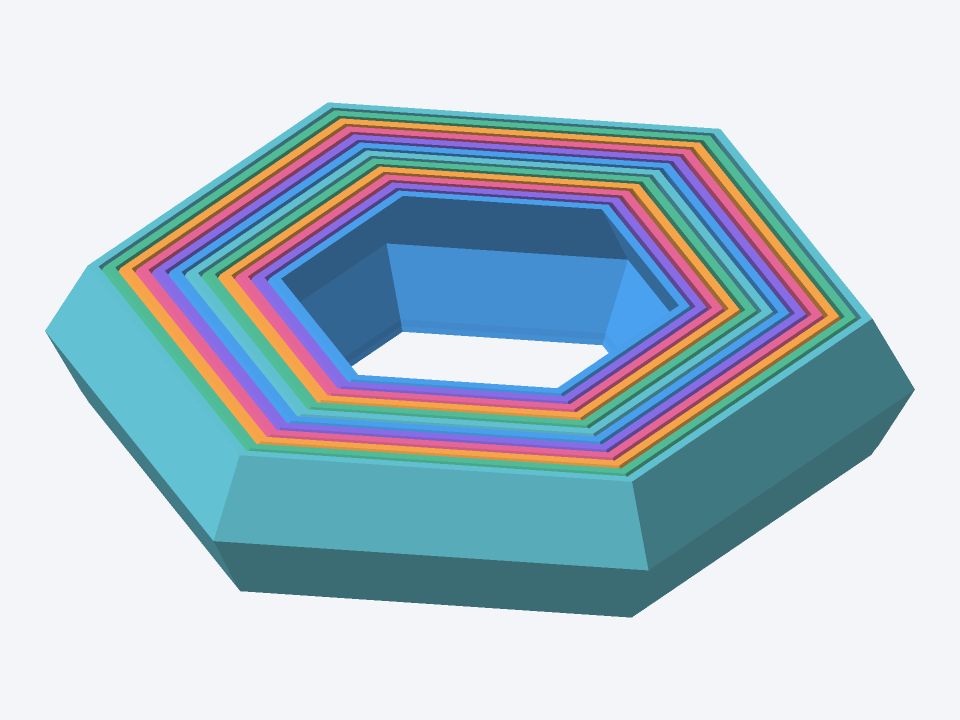
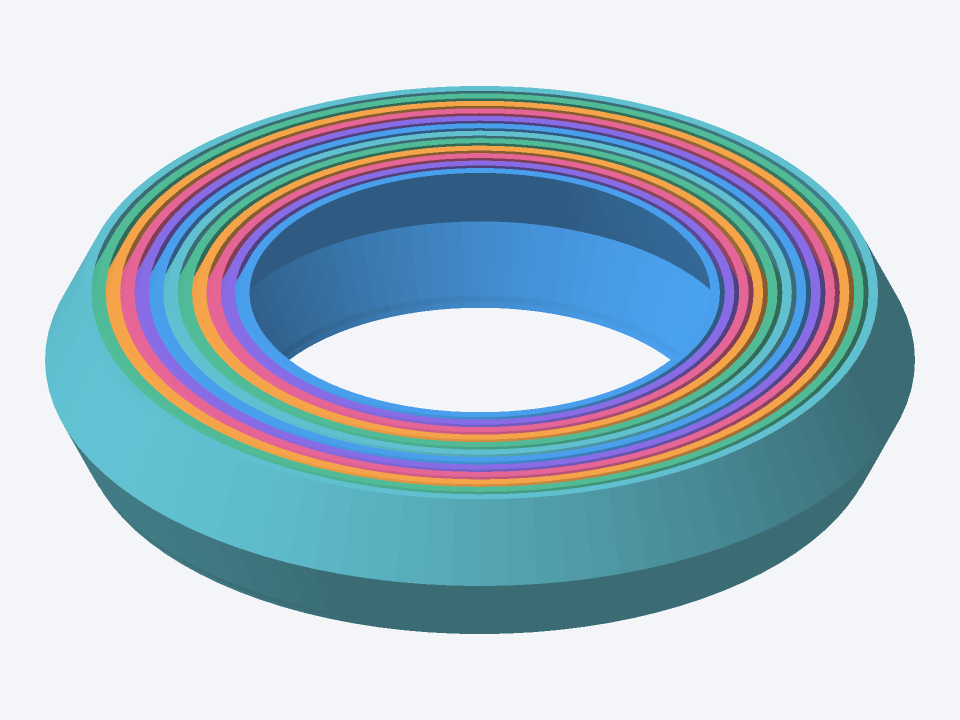
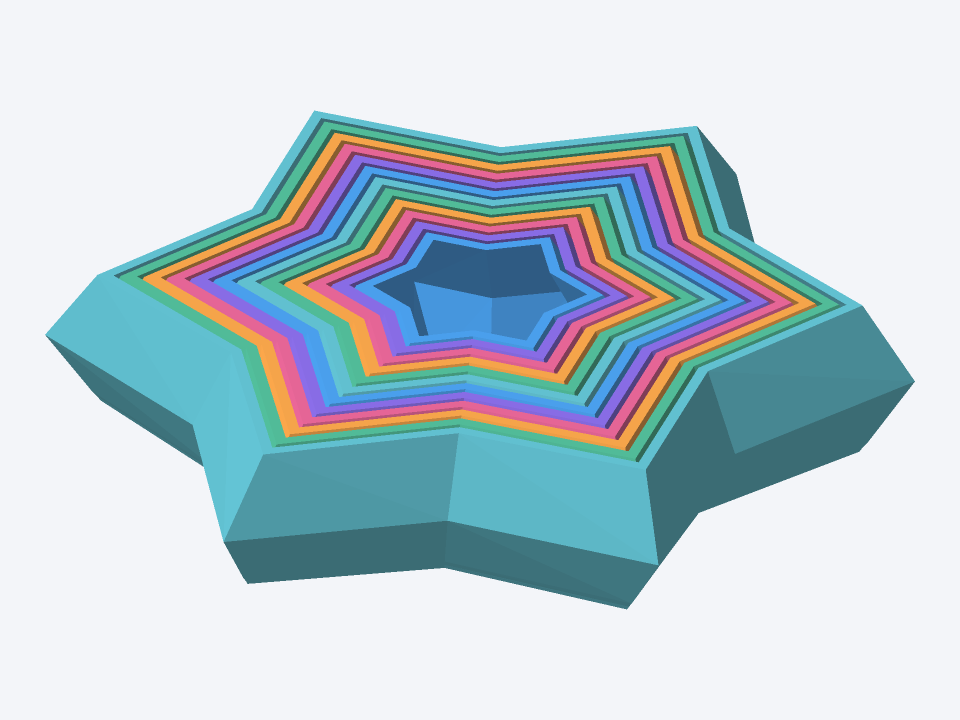
How to use the star fidget generator
- Download a sample or customize its parameters. The starting star uses six points, a 110 mm enclosing-circle diameter, 20 mm height, 12 rings, and 1.2 mm horizontal ring width.
- Check the clearance and preview. The 65-degree slope is measured from horizontal. The gap is measured normal to the sloped wall, not horizontally. Print the tolerance test first.
- Download a binary STL. Keep all rings in their original positions and at 100% scale in your slicer. Inspect every layer before printing.
Printing suggestions
Start with a 0.2 mm layer height and a calibrated 0.4 mm nozzle. Print the model flat as generated, without supports between the rings: supports can lock them together. Avoid brims, especially between rings, and excessive first-layer squish. Check the first layer and overhangs in your slicer. These are starting settings, not validated print profiles.
The starting normal clearance is 0.55 mm for PLA and a suggested 0.65 mm for PETG. PETG may string more and need extra clearance. The suggested bottom relief keeps an extra 0.15 mm normal clearance throughout the lowest 0.3 mm, then transitions back to the standard gap above that region. These material and bottom-relief settings have not been physically validated.
How to adjust clearance
Too little clearance can fuse the rings; too much can make them loose. The tolerance STL contains three separate three-ring sets with 0.45, 0.55, and 0.65 mm normal clearances, arranged left to right along the X axis. Re-generate at your desired diameter instead of scaling the STL, because slicer scaling also changes the gap.
Nested rings and spiral fidget generator settings
The rings use a sloped profile intended to retain neighboring rings while allowing limited vertical travel. Optional twist adds a spiral effect. Conservative parameter limits and geometry checks reduce obvious collisions; they do not prove that a printed toy will move or stay captured. Start with zero twist and validate the fit on your printer.
Frequently asked questions
Why won’t the rings move, or why are they stuck at the bottom?
Fused rings or stuck bottoms can result from too little clearance, overextrusion, brim bridges, or excessive first-layer squish. Do not force them apart with sharp tools. Print the tolerance test, check calibration, and try a larger gap.
Can I use my own logo?
Not in this first version. Star, polygon, circle, and heart presets are available. Image, SVG, and text outlines are planned, but are not enabled.
Are files uploaded?
No. Shape generation, checks, preview, and STL export run in your browser. The geometry engine downloads to your device. Feedback you choose to send is submitted separately.
Which gap should I use?
Start with a 0.55 mm normal clearance for PLA or a suggested 0.65 mm for PETG. First print the three-set tolerance STL with 0.45, 0.55, and 0.65 mm gaps. These settings have not been physically validated. Keep the STL at 100% scale in your slicer to preserve the chosen gap.
Are the models print-tested?
No. These generated models have not been physically print-tested. Geometry checks cannot verify real-world motion or fit. Print a tolerance sample and inspect the slicing preview first.
Why was the ring count reduced?
The requested rings may not fit inside the selected diameter while preserving wall thickness and clearance. Try a larger diameter or fewer rings. If you reduce the ring width, keep the measured minimum wall thickness at 0.8 mm or above. The tool reports any automatic reduction.